
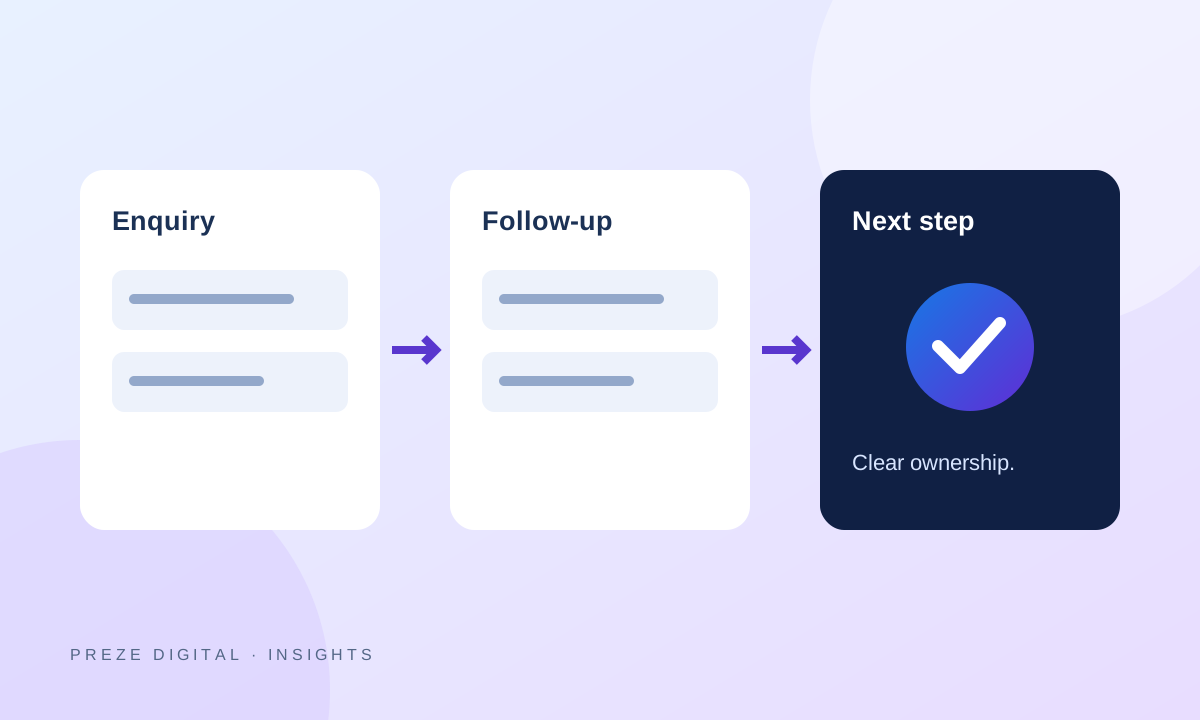
Start lead follow-up automation with a reliable enquiry record, an assigned person and a next-action date. Automate routine administration, such as recording the source and notifying the right colleague, while keeping judgement and meaningful sales conversations with your team.
Fix the handover first
Map what happens after someone fills in your website form. Does the enquiry reach an inbox? Is it recorded somewhere the team can find it? Who responds when the usual person is unavailable?
If nobody owns the next action, a new tool can simply make the same confusion happen faster. Agree the workflow before adding reminders or more integrations.
Capture only information you can use
A useful first enquiry might include the customer’s contact details, requested service, project description and a broad budget or timeline when relevant. Record the page or campaign that produced the enquiry where that information is available.
Do not turn the form into an interview. Ask detailed questions once you know which service the person needs. Explain how their information will be used and limit staff access appropriately.
Use a small pipeline
A simple pipeline can distinguish new enquiries, contacted leads, qualified opportunities, won work and closed leads. Use a written definition for each stage so the same status means the same thing to every staff member.
Each open lead should have an owner, a next action and a follow-up date. Notes should record useful context rather than unsupported assumptions about the customer.
Automate the repetitive parts
Good initial candidates include:
- Creating a CRM record from a successful website enquiry.
- Recording the service and campaign source.
- Notifying an assigned colleague that action is needed.
- Displaying a queue of follow-ups that are due.
Customer-facing acknowledgement emails or reminders should be added only when the wording, delivery setup and consent requirements are clear. Do not assume every lead has subscribed to promotional messages.
Keep a person responsible
Automation should make it easier to respond thoughtfully. Let staff review the enquiry and choose an appropriate reply. Stop follow-ups when the person declines or the conversation no longer needs them.
Review a few enquiries end to end after any change. Check for duplicate records, missed notifications and tasks that remain assigned to inactive accounts.
Start with the workflow you need now
Explore our digital growth and automation service. When you contact Preze Digital, describe where enquiries arrive, who handles them and where follow-ups get missed. We can scope a focused workflow before proposing a larger CRM or additional connected tools.